



Update a user's email address
This guide provides administrators with the necessary steps for updating a user's email address.
- Log in to the admin portal.
- Select the Users tab from the left menu.
- Select the Actions dropdown and then Edit for the user whose email you'd like to update.
.png)
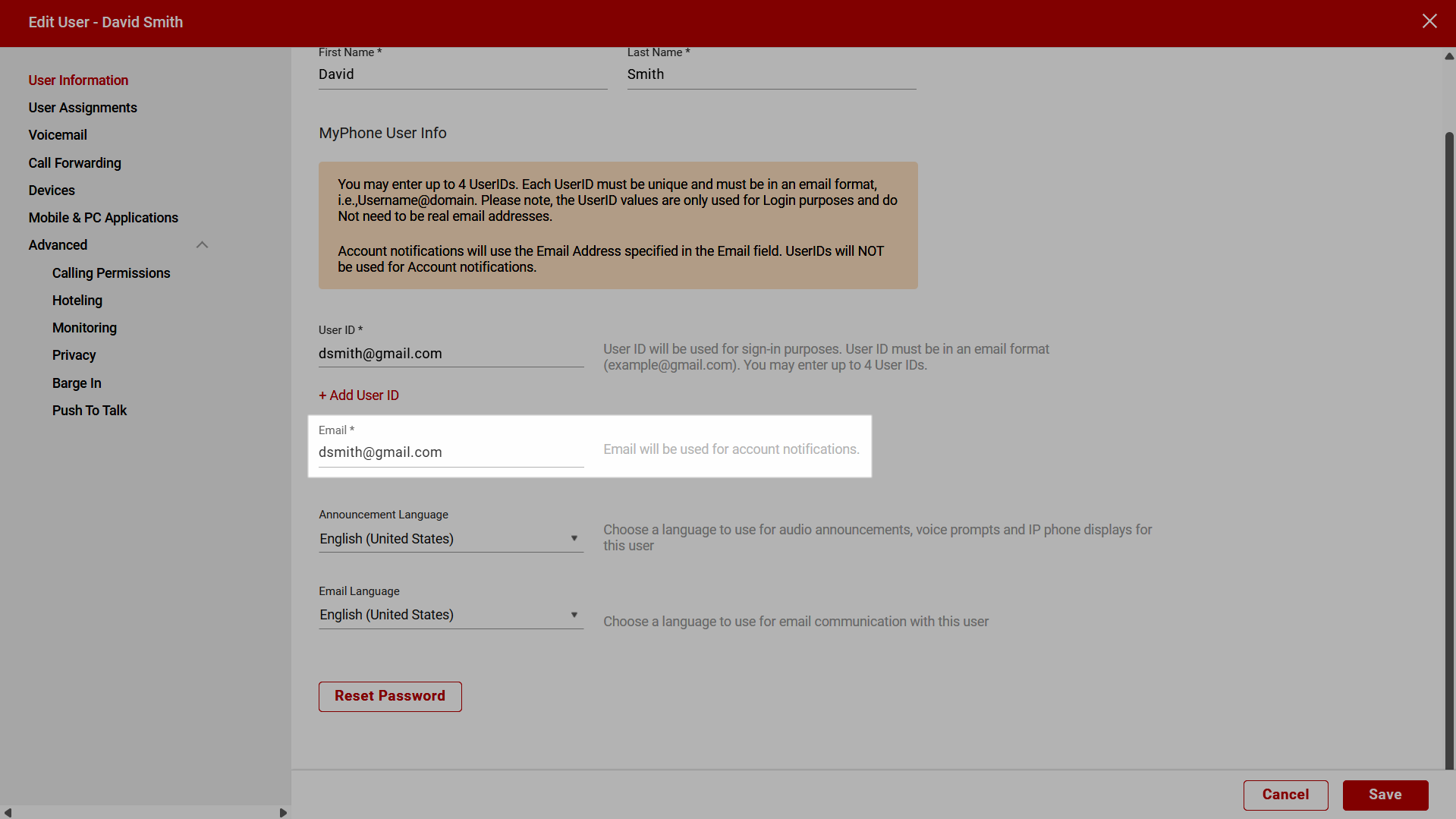
- From the left menu, select User Information.
- Update the Email field as desired.
- Click Save.
Note: Account notifications are only sent to the email address specified in the Email field. The email address(es) provided in the User ID field(s) are not used for account notifications.